Skip to content

VELORA / WORK + CODE

Your agents, projects, and approvals.One workspace.

Bring your AI agents, repositories, documents, and recurring work into a shared desktop. Keep the context together and review what happens next.
3.0.0-alpha.82.2.1 · macOS 13+ · Apple silicon

Inside VeloraShared mission
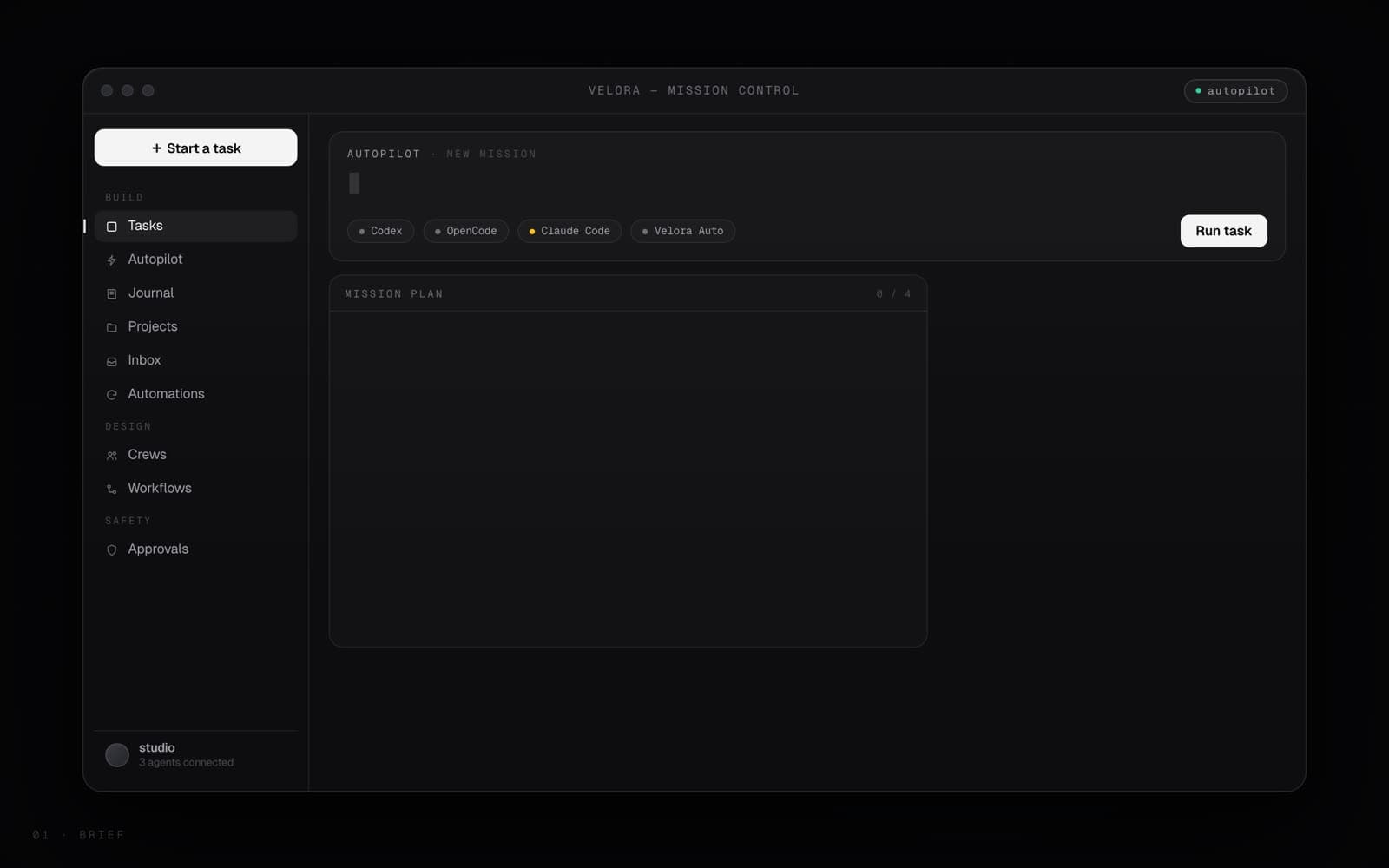
Velora mission control in a dark desktop workspace
01 Project context02 Agent work03 Review

Your connected tools

Bring the agents and models you trust.

Connect coding agents, hosted models, and local runtimes in one workspace. Settings shows which are installed, connected, and ready. Access depends on your provider account, region, and permissions.

  • GPT / CodexChatGPT-connected Codex or your OpenAI API key
  • Claude CodeAnthropic's coding CLI
  • OpenCodeOpen-source coding CLI
  • GeminiGemini CLI or API credentials required
  • AntigravityInstalled and authenticated adapter required
  • DeepSeekReasoning models
  • OllamaLocal models, your machine

Third-party names and marks are shown only to identify services that Velora is designed to work with. Velora is an independent product and is not sponsored, endorsed, or operated by OpenAI, Anthropic, DeepSeek, Ollama, or the OpenCode project. Each mark belongs to its respective owner.

01

Cloud models

Connect a supported provider for tasks that benefit from its hosted models and tools.

02

Local models

Use Ollama or another supported local runtime for eligible work you prefer to keep on your machine.

03

Coding agents

Codex, Claude Code and OpenCode join the same plan, and their file changes and results stay attached to the wider workflow.

THE WORKSPACE IN PRACTICE

Start with the work
you need to finish.

Three example workflows. Your providers, project context, and permissions determine what each run can do.

EXAMPLE 01
Ship a change with a second opinion

Start with
A repository and a specific change
In Velora
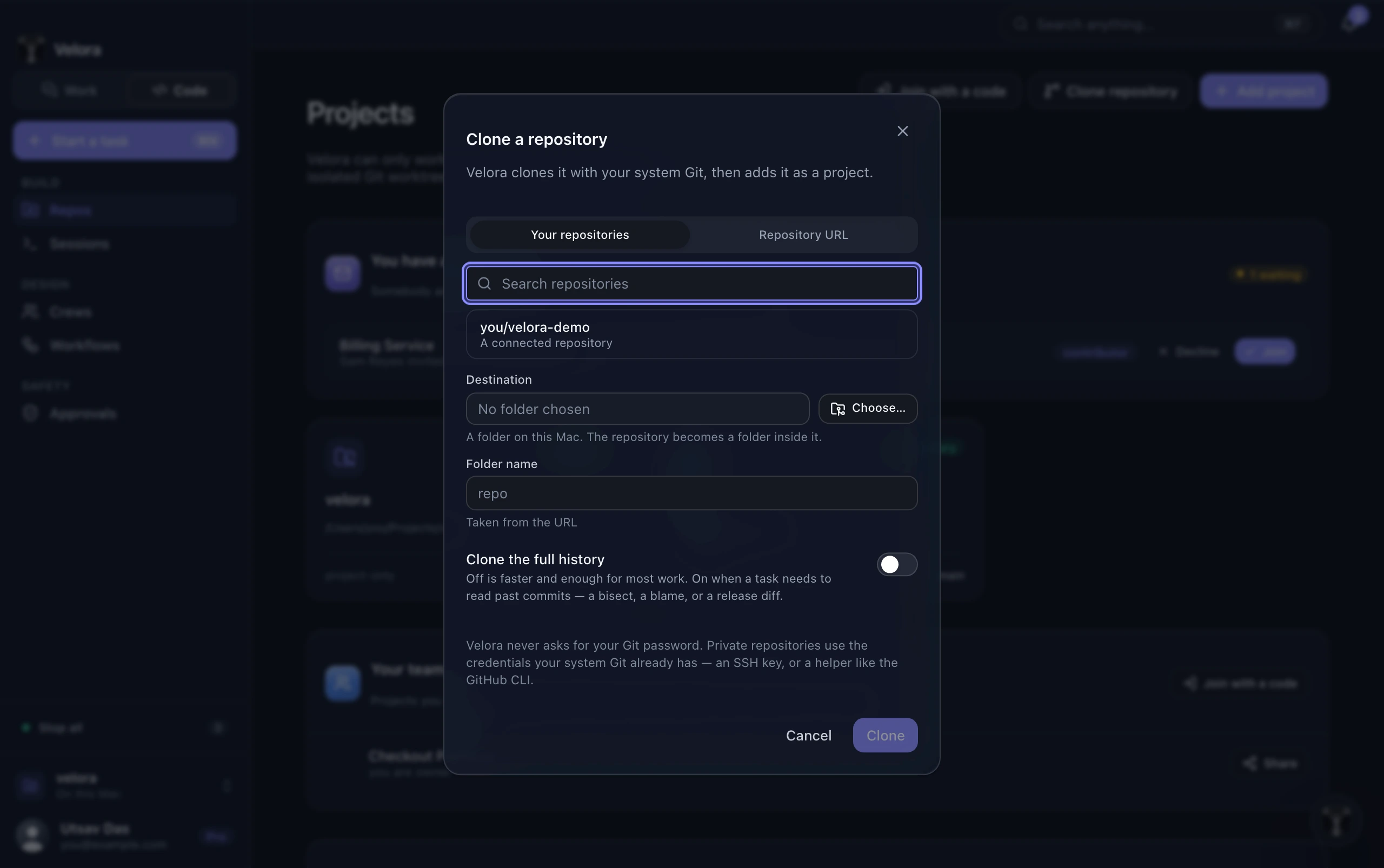
Connect your coding agent, attach project context, and run the work. Keep the findings and independent review with the mission.
Review
A change you can inspect before landing
Read the mission and review guide
Velora repository browser

EXAMPLE 02

Turn source material into a report

Start with
Selected documents and a research question
In Velora
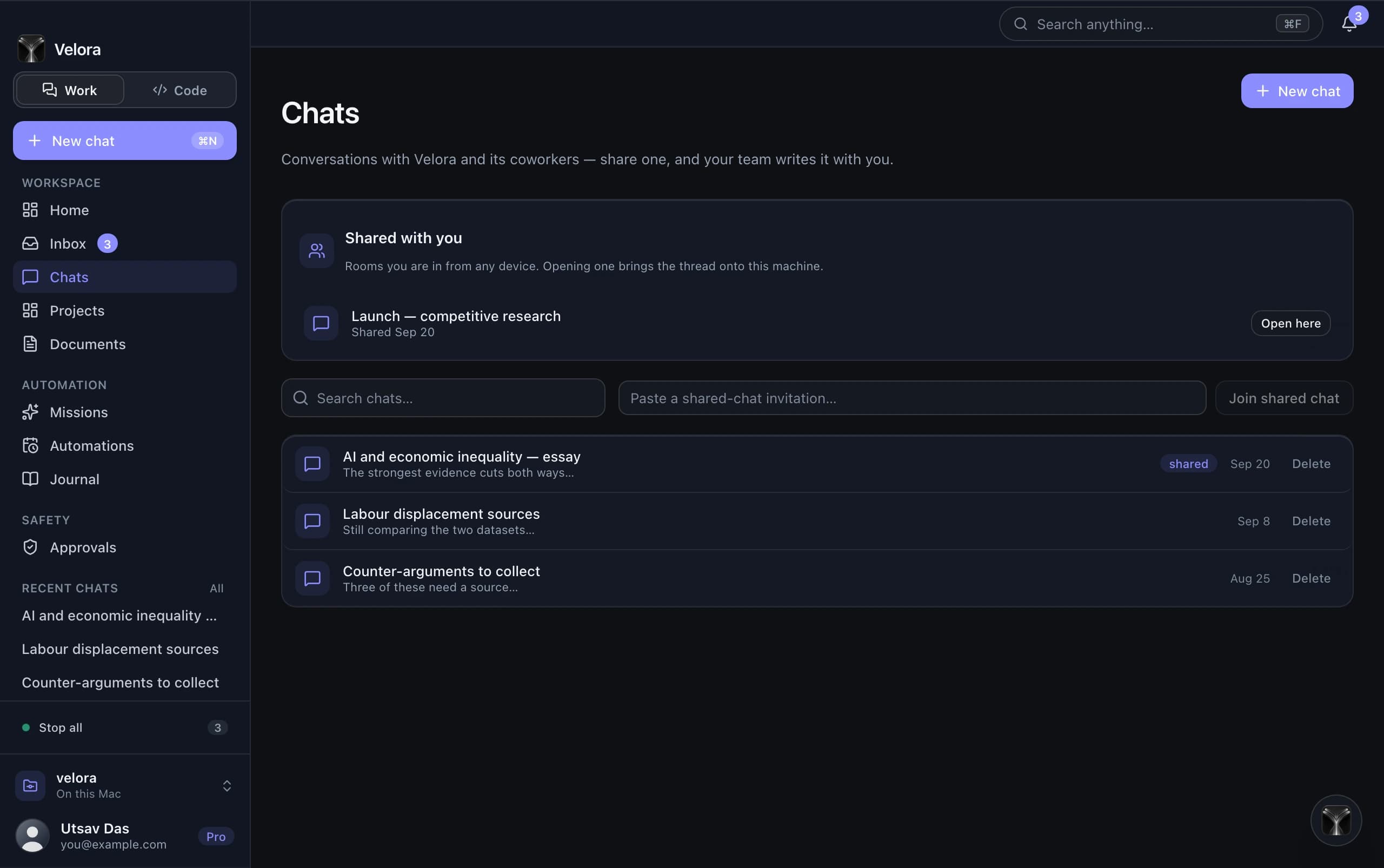
Bring sources into a conversation, compare findings, and save the result as a document. Keep the references available for review.
Review
A saved document with source context
Read the chats and documents guide
Velora conversation with project context

EXAMPLE 03

Give recurring work a repeatable process

Start with
A workflow and a schedule
In Velora
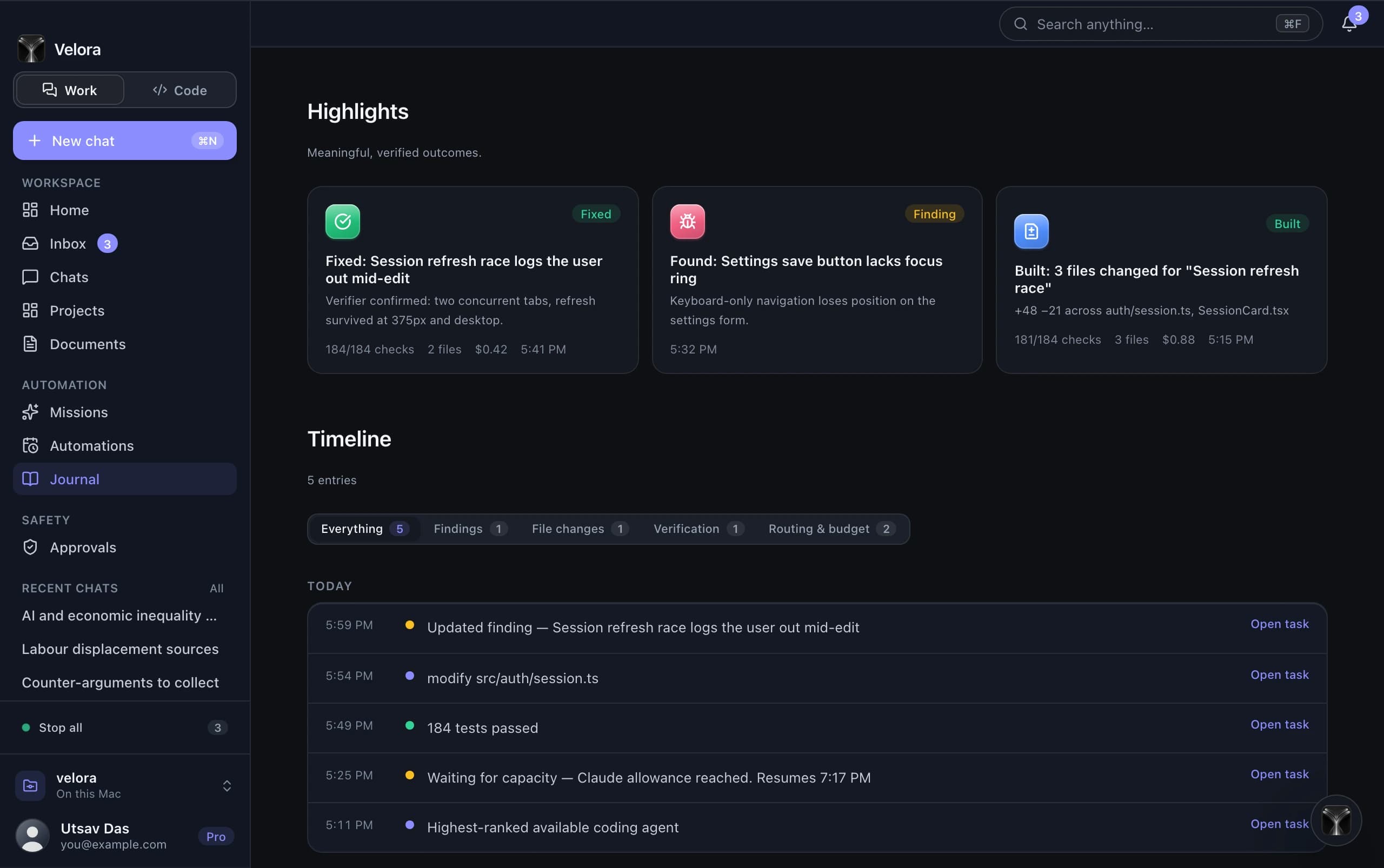
Define the steps, choose a crew, and review each run. Handle approvals and exceptions from the same workspace.
Review
A run history your team can follow
Read the recurring operations guide
Velora journal and work history

PEOPLE, AGENTS, RESPONSIBILITY

Make the handoff
part of the work.

Shared projects give teammates context. Crews define how agents contribute. Approvals make pending decisions visible.

Compare individual and team plans
01 / CONTEXT

Repositories and project references

Keep relevant materials near the conversation and choose what to attach to a run.

02 / REVIEW

A visible decision point

Inspect proposed actions, review findings, and decide what gets approved.

03 / CONNECTIONS

Accounts you control

Manage agents and connected services in Settings. Google Workspace access remains limited to approved OAuth test users.

01See Velora work

A closer look at the workspace.

A short visual tour of projects, crews, mission control, and connections.
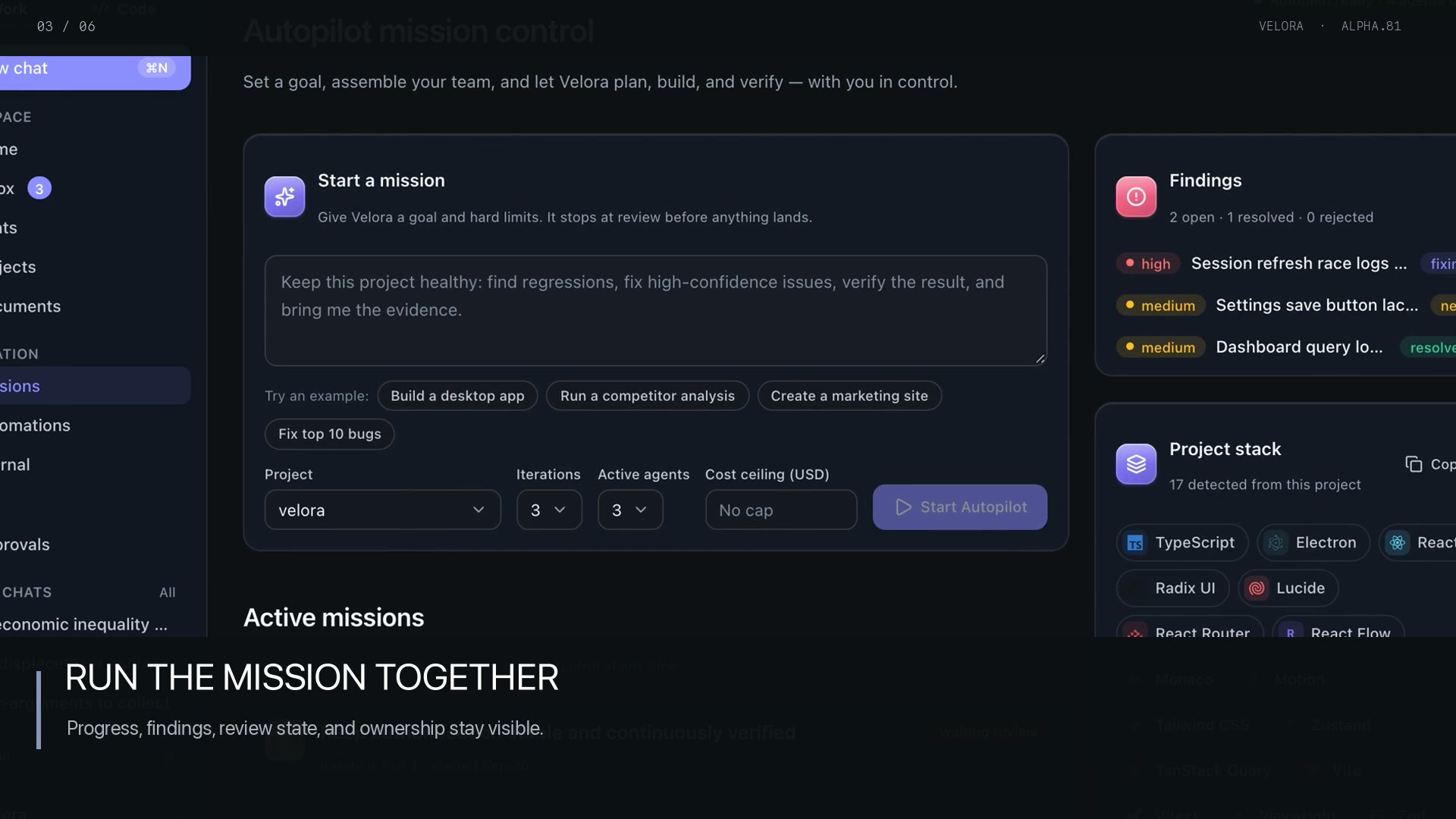
Velora shared mission control with progress, findings, and project context

Terminal

The whole engine, in your terminal.

velora is the same control plane the desktop app runs — agents, teams, missions, memory, automations — driven from an interactive session or one-shot commands that exit with real codes. It signs in with the same account and honors the same approvals.

Install it and see

Install

# the current release, checksummed
curl -fsSL https://github.com/Mehxeo/Velora/releases/latest/download/install-velora-cli.sh | sh

Verifies a SHA-256 checksum, installs to ~/.local/bin, and never asks for sudo. The installer picks Apple silicon or Intel for you.

Then

velora login
velora doctor
velora   # the interactive session

BUILT BY UTSAV DAS

A working product.
An open release history.

See what changed, check the documentation, or send a specific question directly to Velora.